A Smart Plug Is the Cheapest First Step Into a Smarter Home
A smart plug turns an ordinary lamp or fan on and off from your phone, on a schedule, for the price of a takeout lunch. Check three things before you buy: your Wi-Fi band, the load rating, and whether the plug blocks the second outlet.
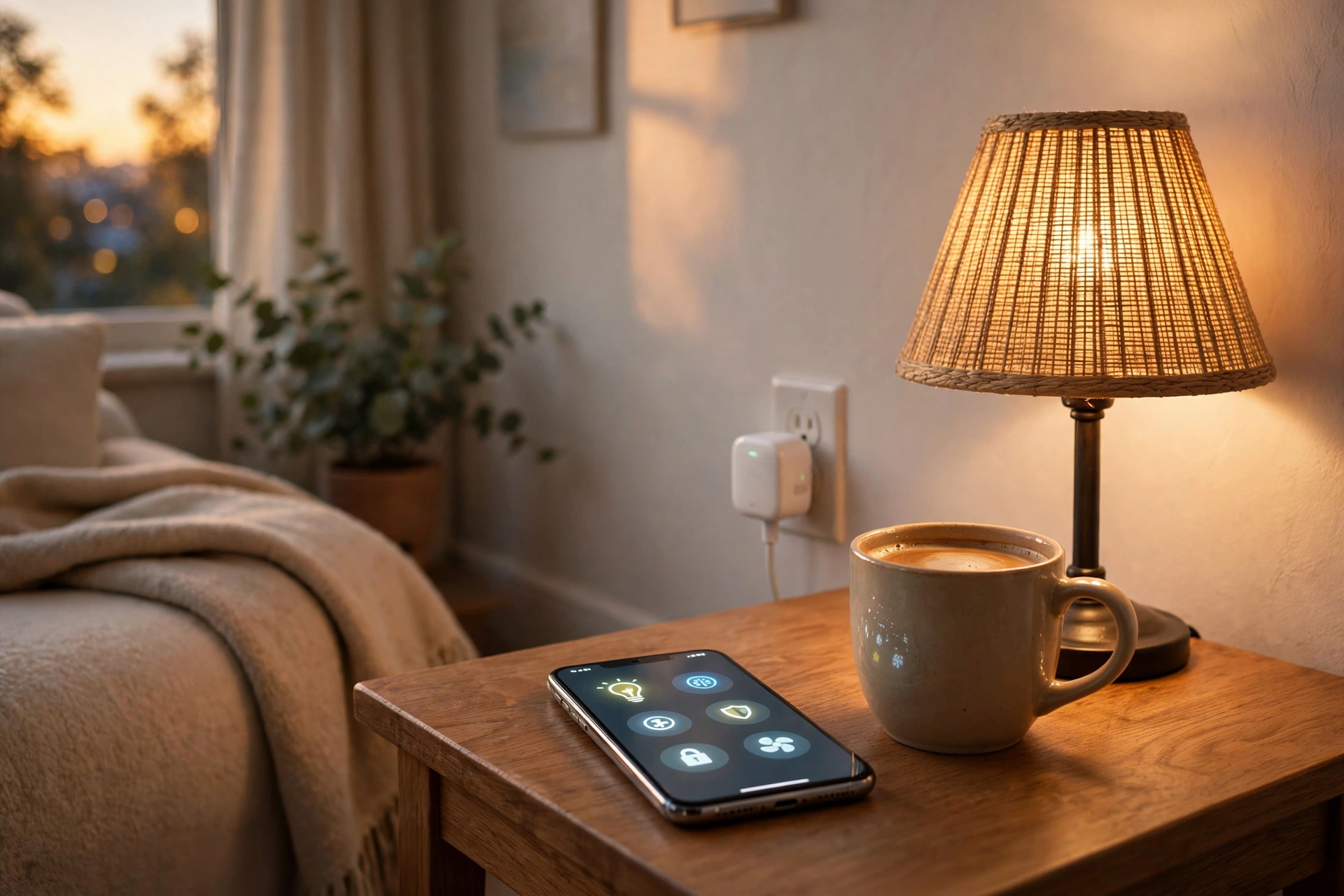
The plug is the easy part. The Wi-Fi, the load, and the outlet are the real decision.
A smart plug is the cheapest honest first step into home automation. It sits between a wall outlet and an ordinary lamp, fan, or coffee maker, and it gives that device three new tricks: turn it on and off from your phone, run it on a schedule, and answer to a voice assistant. No rewiring, no hub, no new lamp. For the price of a takeout lunch, the lamp you already own starts behaving like a smart one.
That simplicity is also why smart plugs disappoint people. The plug itself is rarely the problem. The problems are a Wi-Fi band it cannot see, an appliance that draws more than it can handle, or a plug so wide it eats the second socket. Check those three things before you buy, and the ten-dollar experiment actually works.
Check your Wi-Fi band first, because this is where setups fail
Most budget smart plugs, including the one recommended below, connect over 2.4 GHz Wi-Fi only. They cannot see a 5 GHz network at all. That is the single most common reason a plug refuses to set up, and the fix is usually in your router, not the plug.
Before you buy, check whether your router broadcasts a 2.4 GHz network. Most dual-band routers do, sometimes under the same network name as the 5 GHz band and sometimes as a separate name. If your phone is on 5 GHz while the plug needs 2.4 GHz, the setup app will still usually sort it out, but the smoothest path is to connect your phone to the 2.4 GHz network during setup, then switch back afterward. If your router only broadcasts 5 GHz, a 2.4 GHz plug will not work in your home, and no amount of retrying the setup will change that.
The other half of this check is the hub question. The plug below needs no hub or bridge: it connects straight to your Wi-Fi and is controlled from the Kasa Smart app. If a plug listing says a hub is required, that hub is a second purchase and a second thing plugged into your router, so factor it into the real cost.
Match the plug to the load, not the other way around
Every smart plug has a maximum load, and the number that matters is printed in watts. The plug recommended below is rated for 15 amps and up to 1,800 watts on a standard 100 to 120 volt household supply. A table lamp draws a fraction of that. A fan draws a little more. Both are comfortable fits.
The check takes ten seconds: look at the label on the appliance for its wattage, and keep it under the plug's rating with room to spare. High-draw appliances deserve extra caution. Space heaters, air conditioners, and anything with a compressor or a heating element can draw close to a plug's limit, cycle on and off in ways a schedule did not intend, or be unsafe to run unattended. Unless the appliance maker says it is fine on a switched outlet, keep those off smart plugs entirely. A smart plug is for lamps, fans, holiday lights, and small appliances you are happy to have switch off on their own.
Pick a plug that leaves the second outlet alone
A wall outlet has two sockets, and a plug that blocks the second one quietly doubles its own cost. Compact mini plugs are designed to avoid this: the one below measures 2.36 by 2.03 by 1.5 inches and weighs 0.13 pounds, and it is shaped to sit in one socket while the other stays free.
Measure before you buy if your outlet is in a tight spot, behind furniture, or already crowded with a wide adapter. A plug that fits a standard duplex outlet on a bare wall can still be a bad fit in a power strip or a recessed outdoor box. The dimensions are on the listing for exactly this reason; use them the way you would measure a shelf before buying a pot.
Know what it cannot do
A smart plug adds one ability to an appliance: switching its power on and off. It does not add anything else, and the limits are worth knowing before the box arrives.
- It cannot dim a light. A lamp on a smart plug is either on or off. If you want dimming, you need a dimmable smart bulb, not a plug.
- It cannot tell you how much power you used. The plug below has no energy monitoring, so it will not report wattage or track your electricity use. Plugs with that feature exist and cost more; decide before you buy whether you will actually check the numbers.
- It cannot wake up an appliance that needs its own button. A lamp with a physical switch works beautifully, because you leave the switch on and the plug does the switching. A television that boots into standby when power returns will not turn on from the plug. If the appliance does nothing when you plug it in with its own switch already on, a smart plug will not help it either.
- It will not join every smart home system. The plug below works with Amazon Alexa, Google Assistant, and IFTTT, and it is controlled from the Kasa Smart app. It does not support Matter or Apple Home, so if your household runs on one of those, pick a plug that names it on the listing.
Set it up once, then let the schedule do the work
Setup is the same on nearly every Wi-Fi plug: plug it in, open the app, connect it to your 2.4 GHz network, and give it a name you will actually say out loud, like "living room lamp" instead of "plug 1". A clear name is what makes voice control work the first time you try it.
Then set one schedule and one timer, and stop there. A lamp that turns on at sunset and off at bedtime is the whole point of the device, and it is the automation most people still use a year later. The away mode, which turns a lamp on and off at random intervals while you are out, is the second feature worth turning on. Everything else in the app can wait until you know which of the first two you actually use.
The one we would start with
If you want a single plug to test the idea, the Kasa Smart Plug Mini EP10 is a solid, well-established choice. The listing confirms the details that matter: 15-amp, 1,800-watt maximum load, 2.4 GHz Wi-Fi only with no hub required, voice control through Amazon Alexa and Google Assistant, schedules, timers, and away mode in the Kasa Smart app, and UL certification with a flame-retardant shell. It measures 2.36 by 2.03 by 1.5 inches, weighs 0.13 pounds, and the 1-pack includes the plug and a quick start guide. It does not monitor energy use and does not support Matter, which is the trade-off for the size and the price. Sold as a 1-pack in white, under ASIN B091699Z3W.
See the Kasa Smart Plug Mini EP10 (1-Pack) on Amazon
As an Amazon Associate I earn from qualifying purchases. Prices and availability change, so check the current listing before you buy, and confirm the pack size selected on the product page matches what you want.
The short version
Buy one plug, not four. Put it on the lamp you use most, check that your Wi-Fi has a 2.4 GHz band, keep the appliance under the plug's wattage rating, and leave the second outlet free. If the lamp turns itself on at sunset for a week and you stop thinking about it, the experiment worked, and the next plug is an easy decision.