
How to Build a Small-Apartment Backup Plan That Does Not Drain Your Budget
A small apartment can stay productive through outages and travel without panic if you buy backup gear with a simple checklist first.
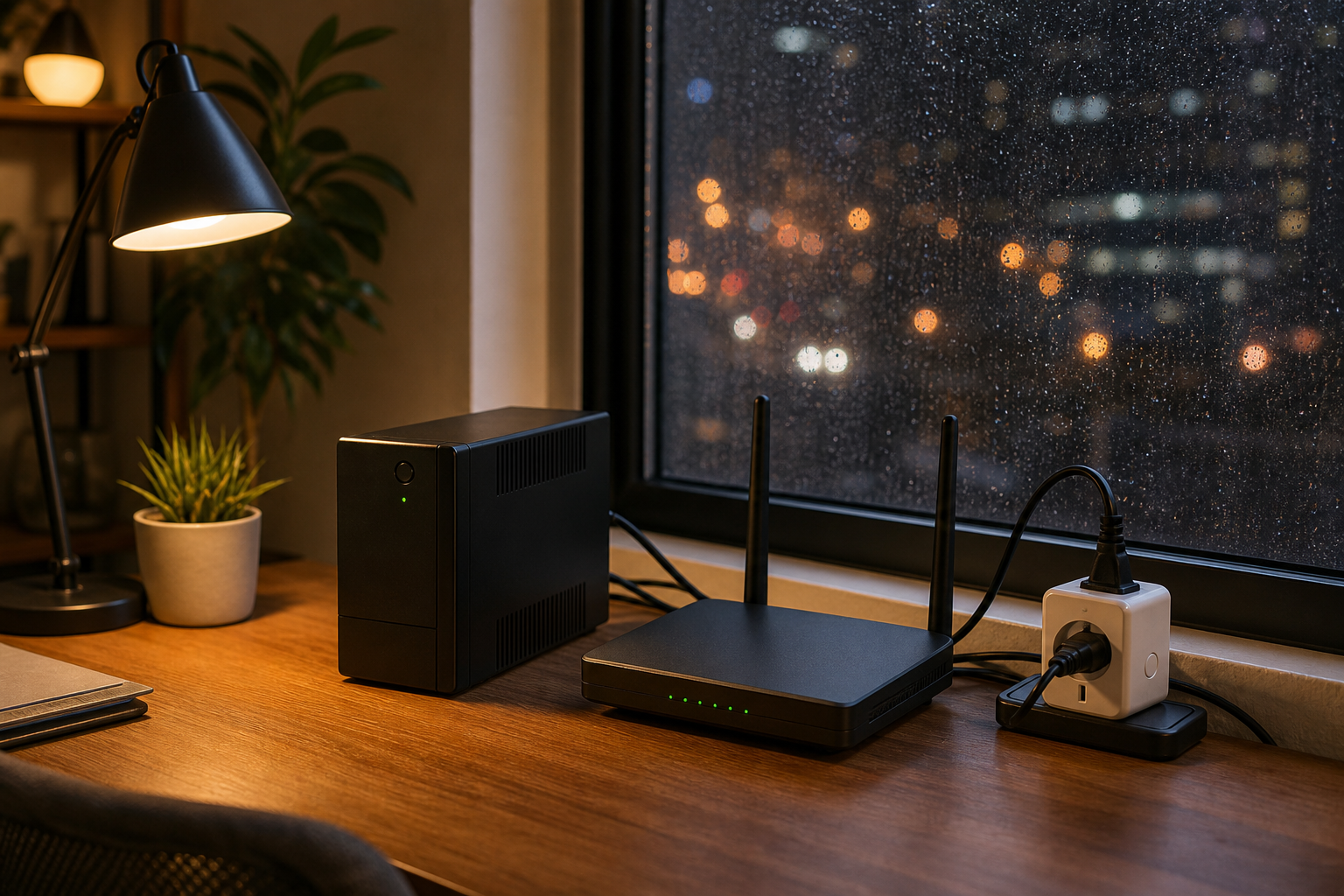
On a Tuesday night, Mara was halfway through an online meeting when her laptop started blinking and then froze. The Wi-Fi had dropped with the lights, the building elevator was silent, and her cat kept stepping onto the keyboard because she had forgotten to save the deck. It is an ordinary scene in a normal apartment, and it has a simple pattern: one small home office task turned into a half-hour scramble because three small electronics were under-sized and overbought.
The point is not that your home needs expensive gear. The point is that backup purchases only help when they match your real routine. Too many readers do the shopping opposite of that. They buy a big UPS because a friend posted one on social media, then add two smart plugs, then a power strip with a glowing app, and only then realize the Wi-Fi router still fails at the exact moment it matters most. The result is expensive clutter that still leaves the desk powerless.
This guide is for readers who want to keep a backup kit practical, especially when a sale day shows up on the calendar. The goal is a practical sequence, not a shopping sprint. It is a sequence of decisions that keeps your setup calm when the internet drops, the air conditioner cuts out, or a remote call starts while the room is quiet.
Pick the one system you are protecting first
Before touching prices or discount pages, pick one device you must protect through a blackout or brownout. In a small apartment, this is usually your router or your phone charging station, rarely both. If your work relies on both, choose one primary device and protect that first. The wrong order creates bad math later.
A good rule is: critical work device for your main goal, then communication gateway, then comfort items. That means laptop or desktop first, router second, and anything else after.
Good backup gear is layered. One layer is not a complete plan.
Use this 5-point buying checklist
Write these checks before adding anything to cart. If a product fails one check, do not buy it yet.
- Capacity: check the load, not only the battery number. A 300 VA UPS protects a basic modem and phone charger. It may not protect a desktop or fan. For small spaces, capacity should exceed current load by about 20% to avoid fake confidence.
- Noise and heat: if your office is a corner of a bedroom, continuous loud fan noise can make you avoid using the device exactly when it is needed. Compact units are often quieter but have less headroom.
- Runtime with real watts: multiply your target devices and get a realistic minute goal. If you need 20 minutes to save files and restart, buy for 30 minutes. If your family needs 2 to 3 hours during evening outages, buy for that instead of guessing.
- Interface simplicity: if there are too many buttons and app menus, the plan will not be used. Keep only what you truly need.
- Price with coupon behavior: include tax, shipping, and return terms before comparing sticker discounts. A cheaper unit with high return friction costs more over a season.
Amazon shopping without buyer fatigue
When sales run, many people buy first and regret the math later. If you are making this one of your home office upgrades, set one budget threshold per category and walk away at the line. The Amazon pages below are enough to start if you prefer hands-on browsing:
Use these only as a starting shelf. After adding an item, answer this three-way question in your notes: What stops the outage pain? How long does it need to run? What happens after the coupon window ends? If you cannot answer all three, keep browsing and do not buy yet.
What you should buy first, second, and later
Buy in waves. First wave: one reliable core for your main workflow. Second wave: one smart monitor layer if your use pattern proves the first works. Third wave: comfort upgrades only if you still have budget left. This avoids buying for imagined needs.
Wave 1: one UPS and one surge-protected outlet chain with enough watt budget for your critical devices.
Wave 2: if your home office is used for calls, add one clean signal strategy for the router path. Keep smart automation simple; a single scheduling rule is better than five tiny automations that trigger each other.
Wave 3: optional desk fan, lighting, or speaker backup if your lifestyle is strongly affected by total downtime and you have stable utility reliability otherwise.
Use an easy scorecard for every candidate
Most people compare tools by headline features and ignore daily reality. Use this score format for each candidate product:
Use fit (can it protect what you actually need), outage fit (will it last long enough), noise fit (can you work with it), and deal fit (is the discounted price worth it versus your minimum alternative).
If the score is balanced across all four points, add one. If only one point is high, skip it. You are not collecting badges; you are protecting a workflow.
Why this plan is cheaper than buying piecemeal
Most of the money leaks happen in the second and third purchase, not the first. The first item can feel expensive and justified. The second feels like control. The third feels harmless. That is where discount pressure causes waste. A fixed checklist breaks the pattern. It also makes post-buying testing easy.
After each purchase, do one controlled test: unplug for 10 minutes, then reboot the protected device. If it fails at the first reboot, your assumptions were wrong. If it recovers cleanly, your checklist is working.
Common mistakes readers admit at the end of a sale day
People often tell me they bought too much to be covered by one budget. There are three classic mistakes:
- Matching products only by rating while ignoring actual watt draw.
- Buying shiny app-only features that promise convenience and then never learning how to use them.
- Skipping the return window because the coupon was only good for a day.
None of those mistakes are about being careless. They happen when the first page says a lot, and a good plan says very little. Reverse the order: plan first, buy second, test third.
Small final plan
The whole setup can be this simple:
- Set your must-protect device.
- Choose one UPS and one surge chain with enough headroom.
- Buy only during active promotions if you need a price break.
- Test under real load the same day.
- Write down one maintenance date every 60 days.
Mara did this with one UPS first. She still had to pause her meeting once, but she saved the file, reloaded the router in three minutes, and got home before the power returned. Her final joke to friends was that her backup plan did not win a style award, but it did keep her career from drifting offline.
That is the practical payoff. A smooth backup setup is not a giant setup. It is the one that matches your life and budget, then stays usable after the discount emails pile up.