
Post-Prime-Day Router Upgrade: Why This TP-Link Deco X95 Could Be the Smallest Calm Upgrade in a Busy Internet Life
My friend Mia once described her Tuesday like this: "I had one meeting in the kitchen, one call in the living room, and one little person asking for a snack in the hallway." In other words, her home was doing three jobs...
My friend Mia once described her Tuesday like this: "I had one meeting in the kitchen, one call in the living room, and one little person asking for a snack in the hallway." In other words, her home was doing three jobs at once, and her Wi-Fi kept trying to do all three too. Every time the screen froze, her tone got a little funnier for ten seconds and then more honest.
I am not writing a hardware lecture. I am writing one practical post for one specific model and one simple question: does this move your home from internet chaos to internet calm?
The one-product rule
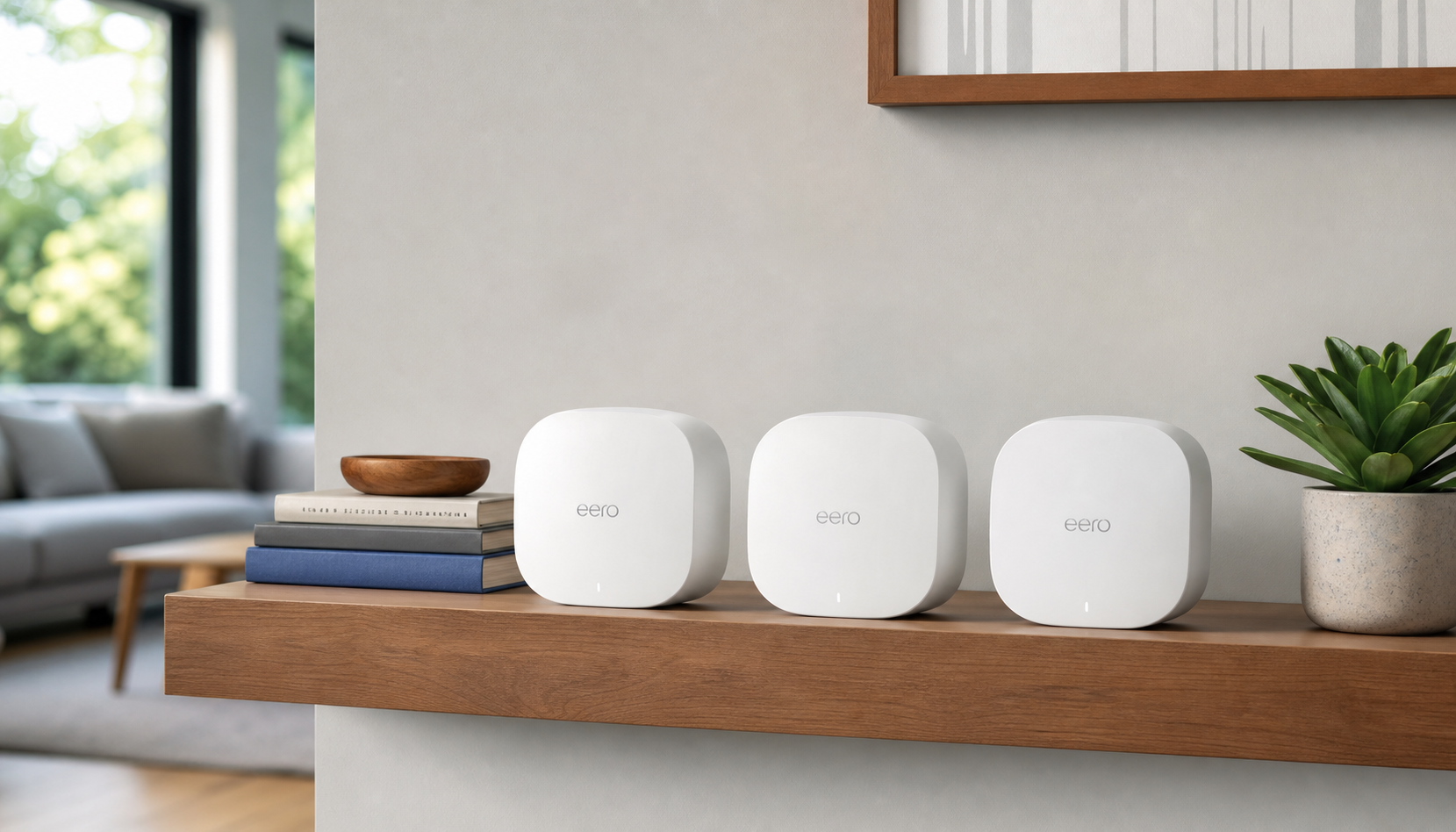
The product here is the TP-Link Deco X95 Wi-Fi 6E Mesh Router, sold as a one-model system for stronger coverage across rooms without turning your home into a network engineering lab.
In plain language, this setup is aimed at households that need fewer dead spots and less manual juggling. If your current router works sometimes and drops connection in the hallway, this model is the kind of candidate that can fix routing pain points without requiring a total infrastructure rebuild.
Reference listing:
TP-Link Deco X95 Wi-Fi 6E Mesh Router on Amazon
Why Prime Day noise makes this decision tricky
After sale windows, the internet feels like a weather system. One minute everyone says this is a once-in-a-lifetime price drop. Two minutes later, a similar listing appears with a slightly different node count and a different headline.
That is why this guide is not a random trend article. It is a decision aid. If your home has a few core pain points, and if those pain points map to coverage, one-device upgrades can be excellent. If your pain points are mostly app learning curves and gadget curiosity, then maybe not so fast.
What the model does, in honest terms
People who shop tech often hear one of two stories: "faster speeds" and "smoother roaming." Both can be true. Here is what matters for real households:
Coverage first, speed second. In practical use, a stable signal in every room usually beats a huge speed number in one room. One router can be fast and still leave your office dead zone. A mesh setup can reduce this gap.
More stable devices, less panic. Families and home offices usually have phones, speakers, watches, TVs, and a laptop all trying to compete for the same network reliability. A smoother path helps each device complete its normal tasks.
Single management feel. The real promise is that your setup feels simpler day-to-day, not like a dashboard with every setting set to "advanced."
A simple story check: where this helps most
Use case one: the home office with a camera person. One room works while another room streams music. Mesh behavior tends to help when multiple rooms run activity at once.
Use case two: the apartment with awkward walls. If your floor plan blocks wireless paths, one central router often leaves one corner lonely. A mesh layout can smooth the route through those weak spots.
Use case three: always-on schedules. If your day always has one call, one update, and one stream running, consistency beats top-end spikes.
How this can land at home without becoming a weekend project
Here is the practical timeline most people underestimate. Day one is setup. Day two is testing. Day three is the truth test: can your home routine handle a bigger network without your attention becoming the router admin all day? If not, the setup did not solve your problem in a useful way.
For many households, the network has to pass this easy bar: one steady home-office call, one video stream, and one background device at the same time. If that still drops once in a while, pause and test placement before you return to the next shiny item in your cart.
I am not saying every setup needs six settings and a spreadsheet. If it needs ten minutes now and thirty seconds each day after, that is usually a good trade. If it needs you every afternoon again, treat it as a temporary patch, not a permanent upgrade.
A router purchase is rarely about bragging rights. It is usually about protecting your calm on the busiest hour of the day.
Deal-stage reality check before checkout
Deals are good when they pass a few boring checks:
Step one: Confirm what is actually included. Nodes, cords, adapters, and the exact bundle are part of the decision, not details you learn afterward.
Step two: Compare return and support terms, especially for bundles and accessories.
Step three: Verify your own dead zones. Draw a tiny map from your home and test where calls fail today.
Step four: Open the listing twice, on phone and desktop, and confirm both show the same package and total.
After these, if the numbers still look fair and your home map still shows pain points, the decision gets clearer.
Why this article avoids giant claim tables
Some posts list dozens of spec rows and confuse readers into thinking every checkbox is a must-have. I am not doing that. For this kind of article, your decision is simpler:
Buy it now if: you have recurring coverage holes and your workflow already depends on reliable internet.
Hold off if: your current system is stable where it matters and this sale is only a shiny side project.
Re-check if: your household uses mostly one room all day and upgrades are mostly about novelty.
How to use the link responsibly
When you do click, do it once with your own rules in place:
Rule 1: No checkout impulse. Close tabs, drink water, and re-read your list.
Rule 2: Put the order in the cart and wait for 15 to 20 minutes. This simple delay catches most checkout-hurry mistakes.
Rule 3: If the same total repeats tomorrow and your home tests still fail, move on. A real upgrade works with your plan, not your anxiety.
What to watch after delivery
The first week is often when buyers discover the true result. If this upgrade is right, you will notice fewer dropped meetings, fewer repeated reconnects, and less device complaining. If nothing changes, the issue may be outside mesh hardware, such as ISP throttling windows or local wiring.
That is not a failure. It is the value of a decision rule. You bought for signal stability and did a short, disciplined test. Even no, this route gave you useful clarity.
Bottom line
If your home internet drops under pressure, the TP-Link Deco X95 can be a practical post-sale upgrade because it aims at stability and coverage, not just headline specs. If your current system is already stable for the way you live, this is not the fix; it is a premium detour.
Want to check details directly? This is the listing I used while writing:
TP-Link Deco X95 Wi-Fi 6E Mesh Router on Amazon
Buy only if your daily routine says "yes, now," and keep one rule for the next week: every small improvement should make your life easier, not noisier.