
Summer Security Camera Upgrade Without the Drama
There is a funny pattern in home security purchases. People compare cameras by pixel count, night vision labels, and app promises, then realize the first week feels like a second job.
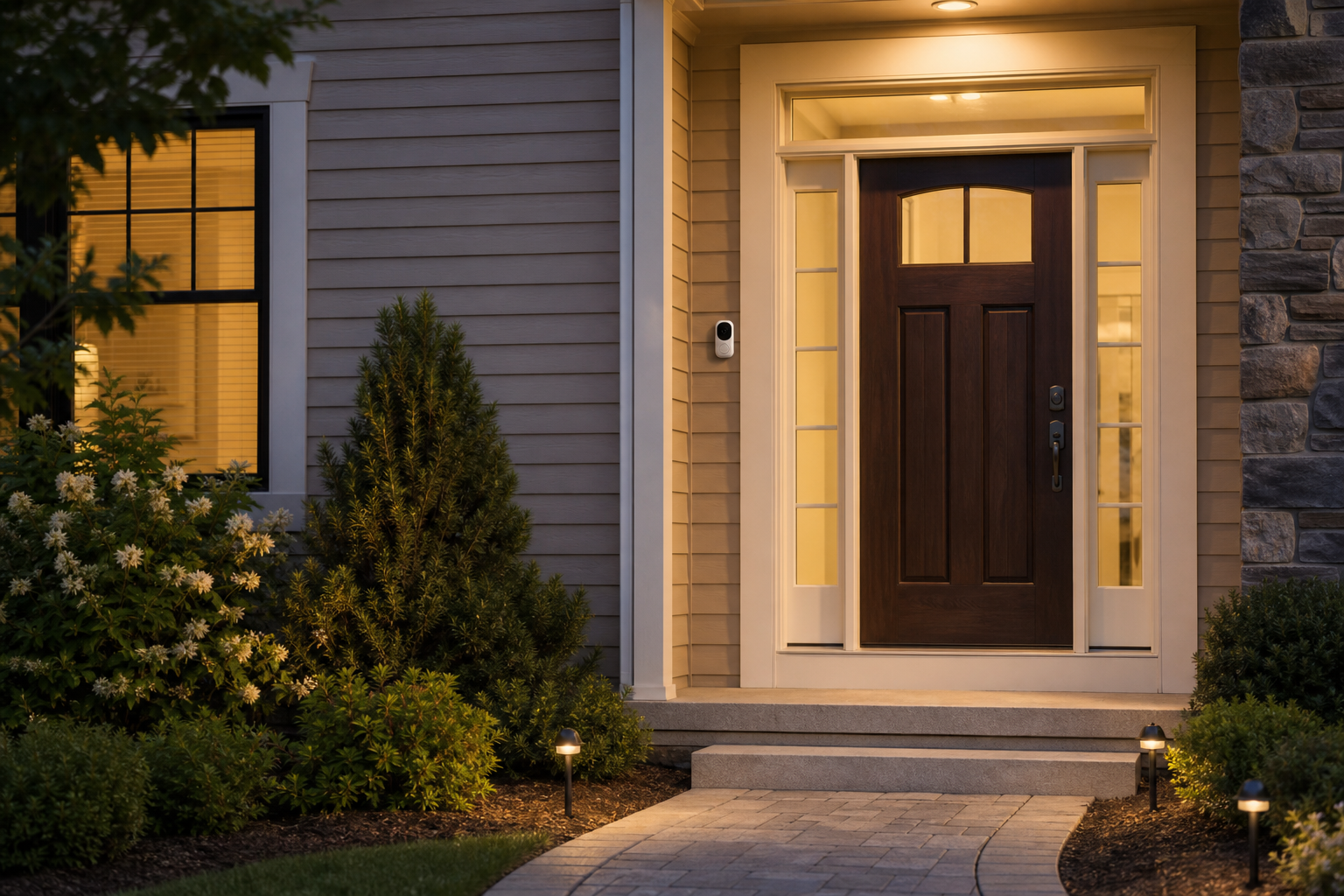
There is a funny pattern in home security purchases. People compare cameras by pixel count, night vision labels, and app promises, then realize the first week feels like a second job. They are not trying to start a new hobby in surveillance. They are trying to keep a house calm, especially during summer afternoons when everything feels louder and a little more chaotic.
That is why this lane starts with one practical point, plain and simple: if a camera system does not match your routine, all those features are just expensive dust collectors. The same is true for every lane we write about in this season. The featured option below is the Eufy Video Doorbell Wired Camera setup bundle. The goal is not to build a command center. Just a device, one area, and a routine.
Start with the lane, not with the spec sheet
If you are shopping during sale season, it helps to reverse your usual path. Start from your routine first. When do you get to the front door, who carries packages, and what lights are already on at dusk. Your answer decides whether you need a simple Wi-Fi doorbell cam, a stand-alone outdoor camera, or an add-on that integrates with a current smart hub. If you skip this step, you can buy a feature that looks good in a review video but does not fit your house.
I recommend this mini test in your notes: draw one line with three slots: "entry timing", "night visibility", "power path." If one slot feels empty, you are likely buying the wrong form of camera. A lot of buyers forget power path and then later complain about unstable Wi-Fi and weak recording quality. That complaint is usually a setup miss, not a bad product.
Why wired entry cameras feel less dramatic and more dependable
Most people imagine wired means complicated. It does not have to. It means one thing: less random reboots during rain, storm windows, and summer heat spikes. A camera that stays powered can become the boring, reliable piece your family can ignore. Boring is great. It means fewer emergency app checks at midnight.
Here is where many shoppers overfit. They choose a camera because a channel says "best in class." The better move is to choose a camera because your home already has that one fast lane where your attention is. If your house sits on a quiet street, you may only need sturdy motion sensitivity with clear snapshots. If your porch has glare in the afternoon, you may need better infrared support. That decision is smaller than it looks and usually matters more than the marketing badge.
Keep the structure simple
Complex routines are where good deals turn into bad habits. A simple structure beats an advanced one for most homes:
- Install a stable mount position and test reach once in daylight.
- Connect only the features you will actually use for the first two weeks.
- Create one naming rule in your app, like "Front Door - Home Entry."
- Run a two-hour evening test and decide if notifications are useful or noisy.
The rule of thumb is this: if you are adding a dozen automations on day one, you will stop using the camera after a week. Keep the first week to one alert profile and one trusted place to view clips.
Three mistakes that cost people the most time
You can dodge these and keep your lane smooth:
- Buying for a neighbor problem: your house has a different traffic pattern.
- Waiting for a perfect angle: you can improve angle with one step adjustment after install.
- Turning every smart rule on: alerts become noise, and noise creates skip behavior.
If you are tempted to skip each day, that is not a camera problem. It is a habit design issue. You solved a lot by reducing choices.
A device earns your trust when it does one useful thing every day. It does not need to win every feature prize.
How to judge setup success by week one
Before you declare a win, run this tiny scorecard at the end of seven days:
- Can you check one clip in under ten seconds?
- Are notifications fewer than a few per hour on a normal day?
- Can your family point guests to one place in the app?
If you can say yes to all three, you likely bought the right fit for your home. If the answer is mostly no, pause and keep the camera in a temporary test mode. Your goal is utility, not a full stack launch.
How this lane stays useful after sale season
Sales are exciting; routines are where value sits. A camera purchased during Prime Day only earns value if the monthly habit survives the checkout rush. Keep three habits and it usually does:
- Review one night of clips on Sunday, then adjust light sensitivity.
- Store backup snapshots in one folder on your phone or tablet.
- Clean lens and camera shell once each month.
That is small, but it gives you the confidence that your smart purchase is not a holiday decoration.
When to walk away
If your internet is shared and frequently weak, if your porch gets direct water spray, or if you hate app noise, do not force this lane. Better to wait for a simpler battery-powered setup. The wrong buy feels expensive in a way that no coupon can fix.
Friendly close
Summer is a good time to fix small routines because the days are busy and the nights still matter. If your entry lane is always active, a stable camera can protect that rhythm. But the product only does one thing well: show you the front door when it matters. Keep it simple, keep notifications tight, and keep your expectations human-sized. Your future self will thank you when the lane runs without drama.